Catch finished work before it slips through
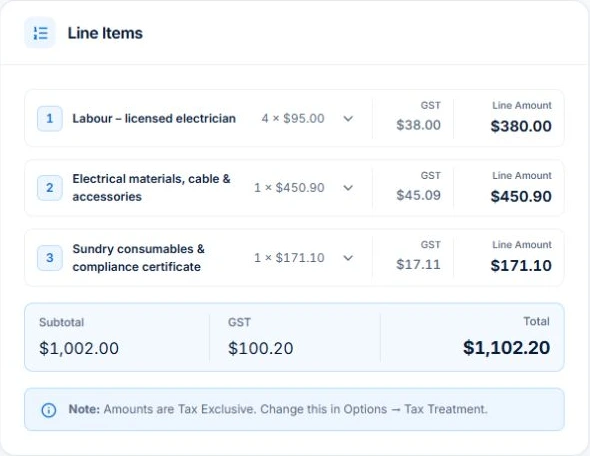
Review completed jobs with eligible unbilled charges, then check the job’s labour, materials and tax against the agreement. For fixed-price work, check the claim and earlier billing before issuing the document.
Follow up the balance that is still due
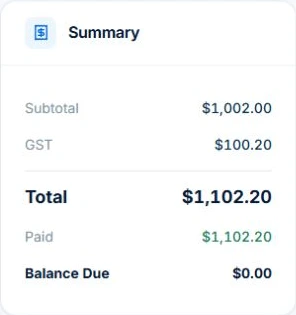
Check recorded receipts, credits and disputes before contacting the customer. Configure automatic chasing for eligible overdue invoices and review the wording and delivery history. A customer who has already paid needs a different response from one who never received the bill.
Set up automatic overdue invoice reminders
01
Bill from the work you can review
For completed time-and-materials jobs, preview eligible labour and materials before creating the invoice. Fixed-price claims follow the contract and any approved changes in the web app. Variation approvals require Professional.
02
Give the customer a clear bill
Review the customer, descriptions, quantities, tax and terms, then send the checked invoice with your payment instructions. Core invoices support a PDF and no-login viewing link.
03
Follow the remaining balance
Record payments against the invoice and check what is still owing. Professional adds configured Xero sync and reminder workflows; review their results and exceptions.