01 / Weather changes
Preview the wet-day change before confirming it
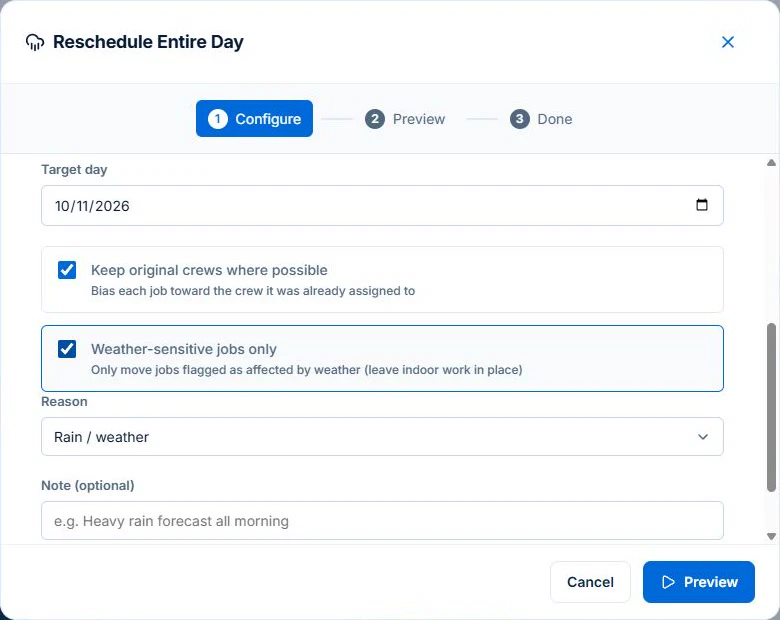
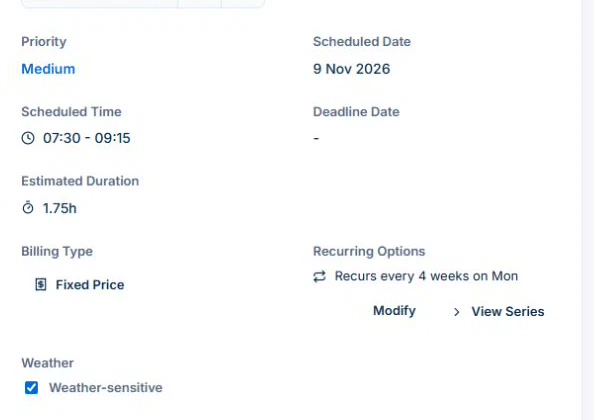
Open Calendar & Schedule → Options → Reschedule Day. Choose the day to clear and the target day. Use Weather-sensitive jobs only for jobs your team has already flagged. Check the proposed date, time and crew on each row, along with visits left in place. If any row falls outside the intended day or leaves a visit unresolved, go back before applying. Confirm revised arrangements with the customer separately.
Explore crew scheduling →Free and Basic include individual scheduling. Professional adds crews, skills, leave and recurring series; Free usage limits apply.