
Hand over the accepted client brief through AxiomBlue records
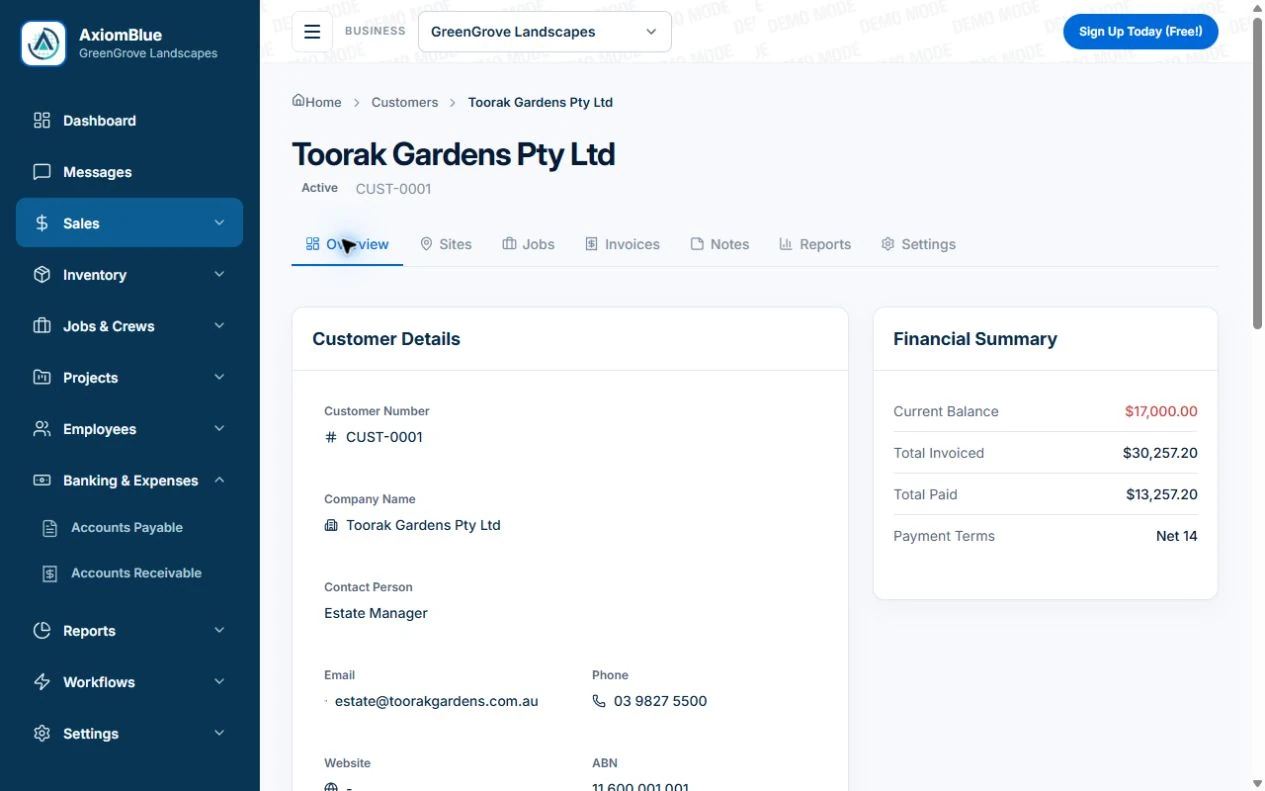
- Create the AxiomBlue customer and quote with sponsor, finance reference, deliverables, inputs and revision boundary. Convert accepted work to a job and retain the quote reference in its Description.
- On Professional, use project tickets for delivery/review and record outstanding client decisions there. Keep the accepted additional workshop in Variations; a meeting request or informal note is not an approved fee change.
- Open the engagement from the next team member’s account and check the current brief, next action and due work. Review the invoice/claim against deliverable status and the fee, keeping the timesheet as a distinct cost record.
Distinguish the sponsor, approver and finance contact
Identify who requests the work, who accepts deliverables and who pays. Confirm a purchase-order or project reference early. One organisation can have several engagements and decision-makers; avoid carrying instructions or assumptions from an old brief into the new one.
Keep the agreed brief and client dependencies usable
Record deliverables, exclusions, input owners and relevant milestones. Identify the current document version and any agreed revision limit. Review confidentiality, permissions and retention through your professional process rather than assuming a general CRM feature handles every requirement.
- Client, engagement and billing reference
- Sponsor, acceptance and payer roles
- Accepted deliverables and exclusions
- Client input owner and due date
- Approved extra work and current delivery status
Use an extra deliverable as the continuity test
Illustrative case: a process-review client asks for another workshop. Retain the request and approval, update the relevant delivery tasks and review its billing basis. Keep the original report scope visible. Actual hours, completed deliverables and invoice entitlement should remain separate measures.
Check the product fit and sharing before adopting the process
AxiomBlue connects customers, quotes, job records and time. Professional adds sales pipeline, project planning and variations. Uploads need Basic or Professional. Inspect client sharing and the actual team role with sample data, and verify any specialist practice requirements separately. General engagement records do not replace every regulated professional system.
Common questions
Questions about this process
Can a client contact record hold the whole engagement?
Keep the relationship record separate from the accepted brief, delivery tasks and billing agreement. That distinction helps the next person find the current work without assuming an earlier engagement still applies.
Put it to work
Your practical checklist
- Separate each engagement from the wider client relationship.
- Name sponsor, acceptance and payer roles.
- Retain deliverables, exclusions and input dependencies.
- Record current documents and approved changes.
- Check sharing, billing and specialist requirements.
See the records in Axiom Blue
Try the workflow with a familiar job.
Features and usage limits vary by plan. Review the tools relevant to your process before choosing your setup.