
Hand over the approved room and finish through AxiomBlue records
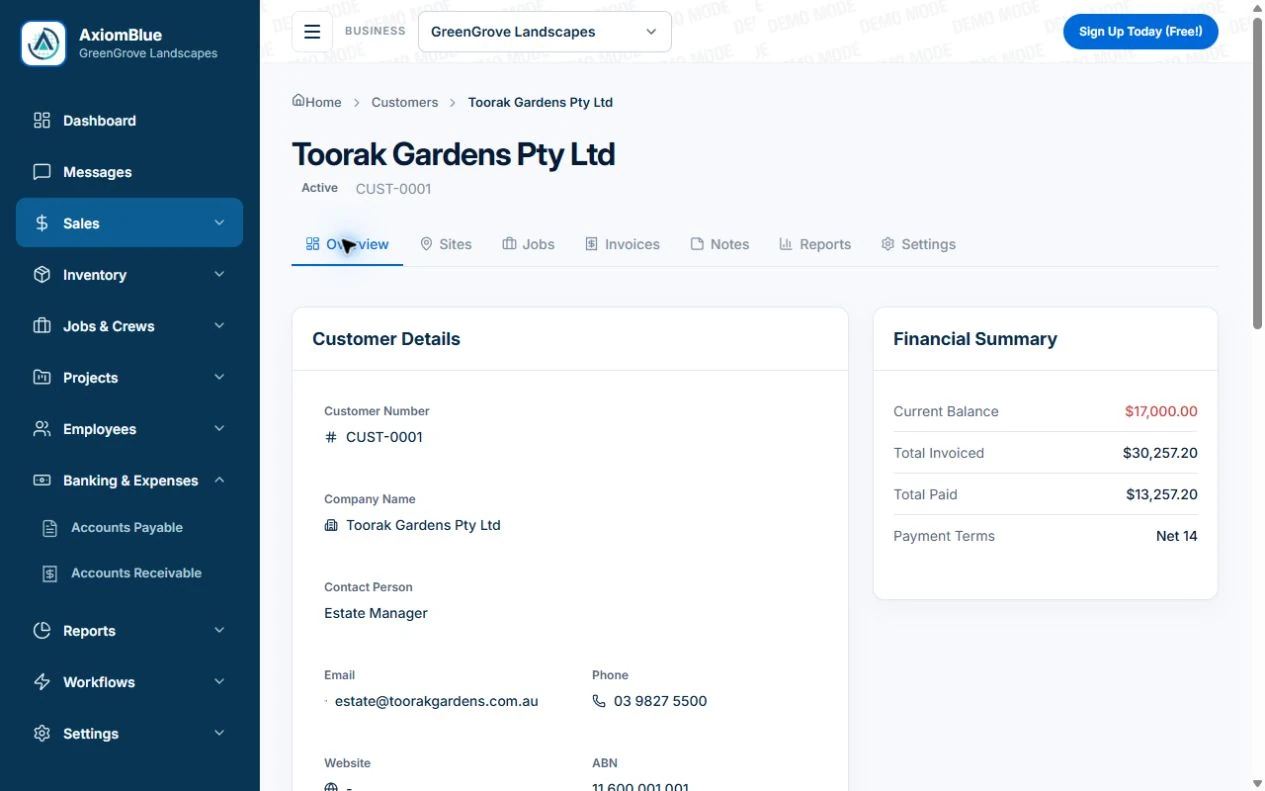
- Create the AxiomBlue customer/site and convert the accepted quote to a job. Put the surface, preparation, product/colour approval reference and exclusions in Description; use the available colour-spec tools after checking permissions and field access.
- Use Tasks for outstanding preparation and finish work. Attach the current approved specification on Basic/Professional if needed, and clearly identify earlier options as superseded in the supporting record rather than treating every upload as current.
- Open the job from the replacement painter’s account to check the room and selected finish. Record a requested additional area through Professional Variations and update field instructions only after the scope decision is clear.
Identify the area before recording the finish
Use room or area names and specify which surfaces are included. Retain preparation assumptions and exclusions. A whole-property note should not imply that every wall, ceiling or trim was included in the price. Confirm who selects the finish and who approves any commercial change.
Retain the selected version and the approval
Record the colour and product reference and who approved the relevant selection. Keep earlier options distinguishable from the accepted one. In AxiomBlue, check the colour-specification tools, permissions and actual field view you need. A stored selection does not replace product instructions or a site readiness check.
- Room or area and included surfaces
- Preparation scope and exclusions
- Accepted colour and product reference
- Selection and extra-work approval contact
- Access, completed work and outstanding task
Test a room change with another painter
Illustrative case: one room’s colour is changed before work and a hallway is added. The next painter should identify the accepted room selection and the separately approved hallway scope. Record any unfinished area and confirm its return arrangement rather than marking the whole property done.
Make the next visit usable from the field account
Keep lasting site detail separate from today’s scope and unresolved tasks. In AxiomBlue, the separate customer-site notes field is available in the web app; put the instructions needed by a native-app worker in the job description or tasks. Verify access from the worker’s account. Uploads need Basic or Professional; Free has customer and usage limits.
Restrict sensitive access information and share only what the person needs. Check current details with the customer instead of carrying an old instruction into every future job. Professional adds crew management and recurring job series where those suit the work.
Sources: Protect customer information
Common questions
Questions about this process
Is a colour name enough for the crew handover?
Record the relevant surface, product reference and accepted selection as well. Keep earlier options distinguishable and confirm the current scope and product instructions.
Put it to work
Your practical checklist
- Name areas and included surfaces.
- Retain preparation and finish assumptions.
- Identify the accepted selection and approval.
- Keep extra areas commercially clear.
- Give the next painter current tasks and access.
See the records in Axiom Blue
Try the workflow with a familiar job.
Features and usage limits vary by plan. Review the tools relevant to your process before choosing your setup.