
Hand over the correct HVAC unit at a property through AxiomBlue records
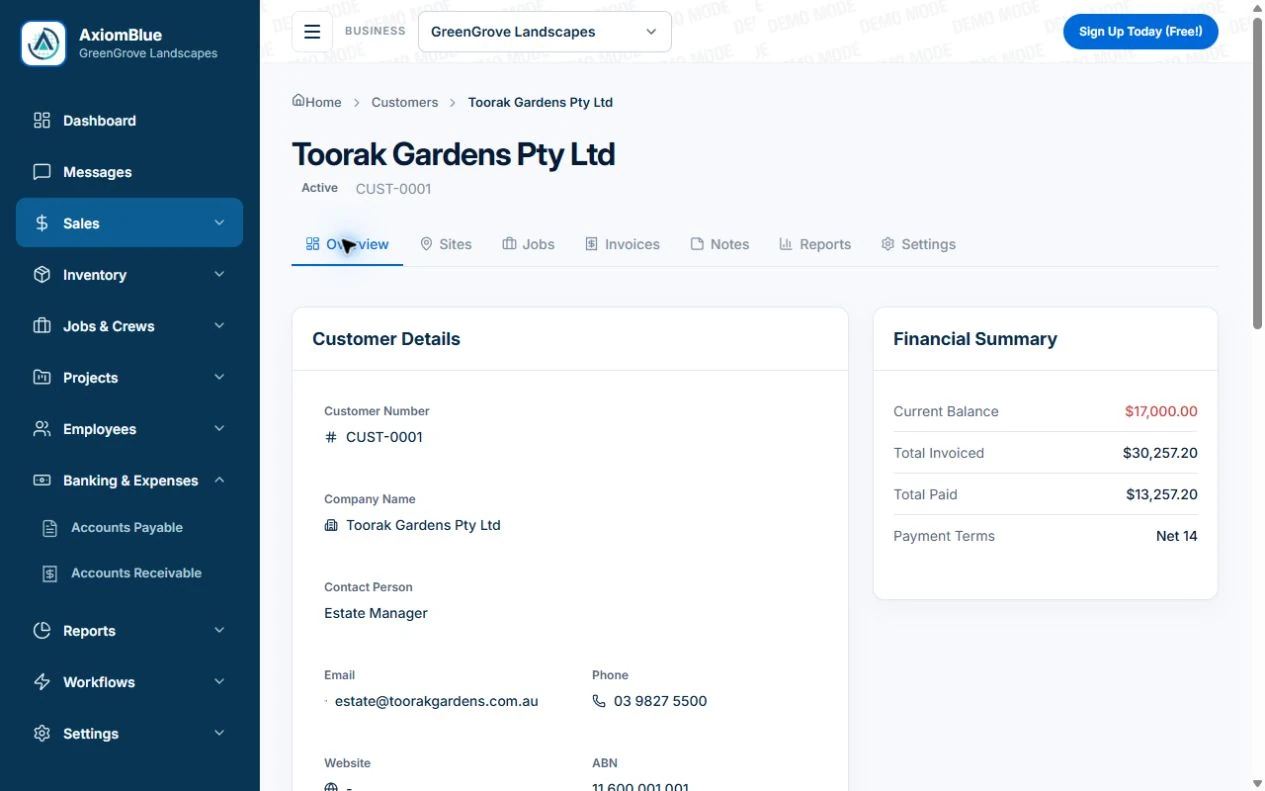
- Create the AxiomBlue customer and site, then give each unit’s job a distinct reference such as AC-03 in Description. On Professional, retain manufacturer/model/serial identity in the corresponding asset record where used.
- Put the agreed installation or service scope and unresolved finding in the job’s Tasks and Notes. If a Professional Job Series is used, check the individual visit rather than assuming the service pattern records completion.
- Open a return job from the technician’s account and verify the correct unit, earlier service reference and current task. Record the outcome and retain any required specialist documentation separately from general customer notes.
Separate the customer relationship from the unit history
Confirm the billing contact, site contact and person who authorises extra work. Identify each property and unit clearly. A customer-level note can describe the relationship, while equipment and visit records need the technical history. Do not mix findings from two units under one vague site description.
Retain the agreement and current access arrangements
Record the service scope, frequency or agreed visit window, access arrangements and relevant customer reference. Keep changed arrangements dated in the working history. Restrict sensitive entry information and check it before sending another person. The agreement is not proof that the scheduled maintenance happened.
- Customer, payer and approval contact
- Property and equipment identifiers
- Agreed service scope and billing reference
- Current access arrangements
- Visit findings, unresolved issue and next owner
Use an incomplete service as the handover test
Illustrative case: one rooftop unit is serviced but a second unit needs a part. The client history should explain the completed work and outstanding return without marking both units serviced. The next technician should find the specific unit and action. Review billing and recurring visits separately.
Make the next visit usable from the field account
Keep lasting site detail separate from today’s scope and unresolved tasks. In AxiomBlue, the separate customer-site notes field is available in the web app; put the instructions needed by a native-app worker in the job description or tasks. Verify access from the worker’s account. Uploads need Basic or Professional; Free has customer and usage limits.
Restrict sensitive access information and share only what the person needs. Check current details with the customer instead of carrying an old instruction into every future job. Professional adds crew management and recurring job series where those suit the work.
Sources: Protect customer information
Common questions
Questions about this process
Is a customer note enough for HVAC service history?
Use a clear equipment identity and visit record for the technical history. A customer note alone may not distinguish units, completed service and unresolved work.
Put it to work
Your practical checklist
- Distinguish customer, site and unit records.
- Keep service scope and payer references current.
- Restrict access information appropriately.
- Record each unit’s actual visit outcome.
- Carry the unresolved action into the next job.
See the records in Axiom Blue
Try the workflow with a familiar job.
Features and usage limits vary by plan. Review the tools relevant to your process before choosing your setup.