
Set up the first plumbing client and job in AxiomBlue
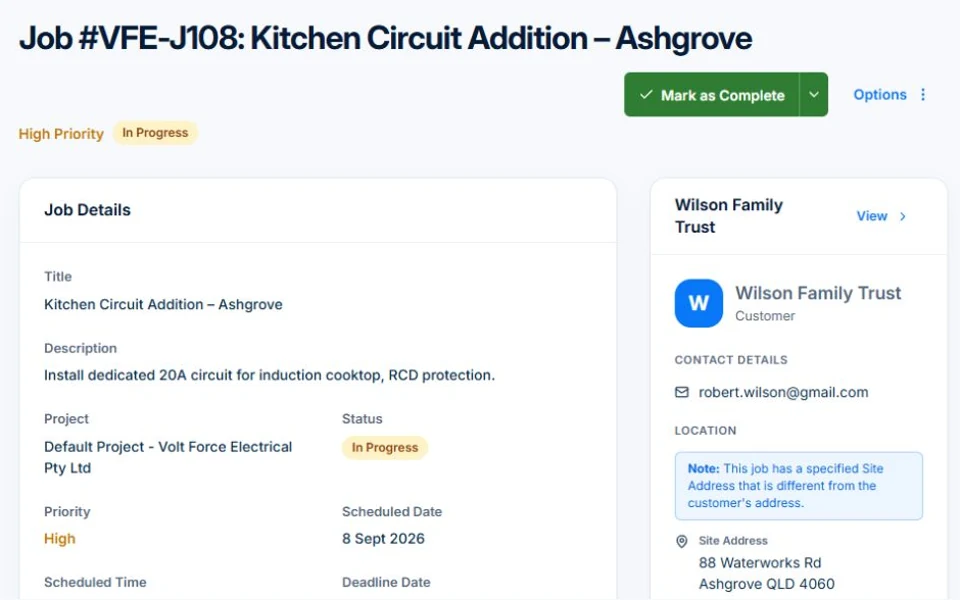
- After confirming the authorised work, add the customer and prepare a quote or job describing the call-out fee, included investigation and approval process for a repair. Select the actual service site.
- Set the job’s Estimated Duration and Description. Record the diagnosis and outstanding part on the first visit; keep the customer’s accepted repair scope and return instructions with the work.
- Record installed parts in Materials and labour in Time Tracking. Check previous call-out billing in the invoice preview before billing the return; use the agreed fixed price or time basis.
Choose a service mix you can actually support
Repairs, drainage, installations and gas work create different requirements. Start with the authorised work and equipment you have, and define referral arrangements for the rest. Decide whether emergency work fits your hours rather than advertising availability you cannot maintain.
Check the work classes and business requirements locally
Confirm what registration or licensing covers your chosen activities and who may supervise or certify them. Victoria’s Building and Plumbing Commission distinguishes plumbing registration and licensing. Use your own regulator and ABLIS for the applicable rules; do not generalise one state’s requirements.
Sources: Victoria: plumbing registration and licensing · Find licences by activity and location
Make the business setup match the work you will sell
Use the Australian Government startup guide to work through structure, registrations, tax and insurance with the advisers you need. Check licences by activity and location through ABLIS and the relevant regulator. A business registration does not itself authorise regulated trade work.
Sources: Australian Government business startup guide · Find licences by activity and location
Price attendance, investigation and repair clearly
Explain any attendance charge and what diagnostic work it includes. Set out when a repair needs a separate quote or approval. Budget van stock, tool maintenance, travel, supplier visits and administration as well as on-site labour. A charged hourly rate and your delivery cost are different figures.
Test a call-out with a second visit
Illustrative case: investigate a leaking fixture, quote the replacement, order the part and return to install it. Keep the diagnosis and customer approval with both visits. Check whether the original charge is included or separate before issuing the final bill. Record any required certificate through the appropriate process.
Keep the record useful when another plumber returns
Capture the site, affected fixture, findings, parts and unresolved work. AxiomBlue can connect quotes, job records and invoicing. Free covers limited core use; uploads need Basic or Professional. Crew skills, approved leave and variations require Professional. Test the first call-out and a return visit before building a larger diary.
Common questions
Questions about this process
Can I offer gas work with a general plumbing setup?
Verify the authorisation for the specific work with your regulator. A plumbing business name or general job record does not establish permission for every plumbing or gas activity.
Put it to work
Your practical checklist
- Confirm authorised plumbing classes and local contracting rules.
- Choose a service area and realistic attendance hours.
- Write investigation and repair approval terms.
- Budget parts, tools and unpaid operating time.
- Reconcile both visits before the final invoice.
See the records in Axiom Blue
Try the workflow with a familiar job.
Features and usage limits vary by plan. Review the tools relevant to your process before choosing your setup.