
Set up the first building client and job in AxiomBlue
- Confirm contracting requirements, then enter the customer and renovation quote with stages, exclusions and terms. Use Add Section to make the priced scope readable and retain the accepted agreement.
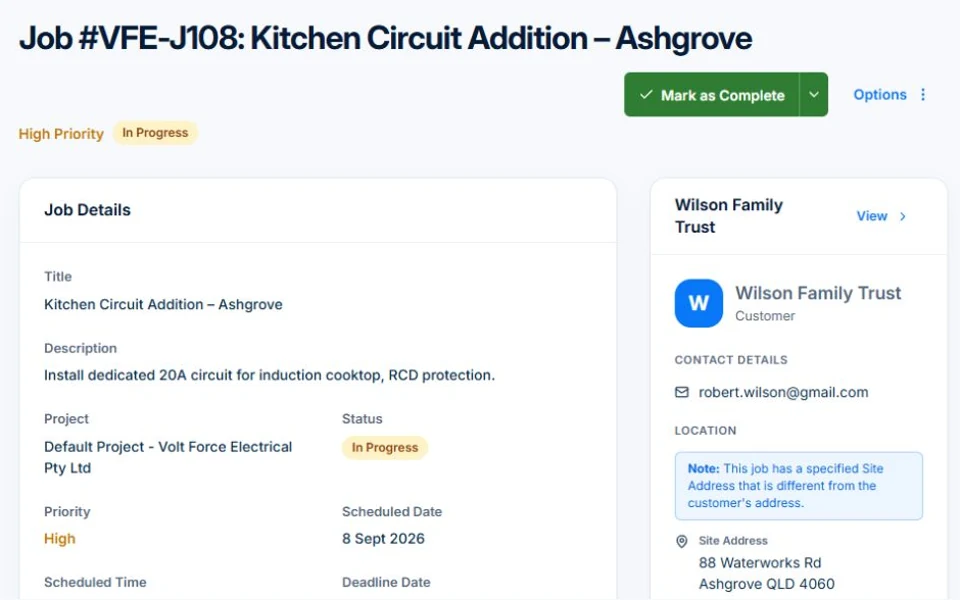
- Convert the quote to a job. On Professional, link the work to a project and track its staged delivery separately from daily job assignments; record each stage’s readiness checks in the work instructions.
- Use Professional Variations for an approved fixture change and New Claim for the actual contractual progress basis. Inspect previous claims and adjustments before sending; project dates do not establish payment entitlement.
Choose the project scope and role you are taking on
A renovation contractor, a specialist subcontractor and a new-home builder have different delivery and commercial responsibilities. Write down the project types, size and work you will exclude. Check that your experience, people and supplier network can support that scope before bidding.
Confirm the local rules before offering the contract
Use the relevant building regulator and ABLIS to confirm licensing, insurance, site and contract requirements. The Australian Government construction guide provides a starting map, but thresholds and rules depend on the work and jurisdiction. Have the contract and payment arrangement reviewed for your actual work.
Sources: Australian Government construction industry guidance · Find licences by activity and location
Make the business setup match the work you will sell
Use the Australian Government startup guide to work through structure, registrations, tax and insurance with the advisers you need. Check licences by activity and location through ABLIS and the relevant regulator. A business registration does not itself authorise regulated trade work.
Sources: Australian Government business startup guide · Find licences by activity and location
Forecast when you pay as well as what the project costs
Build a delivery estimate for labour, subcontractors, materials, hire and other direct costs. Separately map when those bills fall due and when customer payments are expected. A job with a positive estimated contribution can still leave a cash gap. Include reserve capacity for delays and rework in your own plan.
Try one changed stage before accepting the first larger job
Illustrative planning exercise: a bathroom renovation changes its fixture selection after acceptance. Record the requested change, revised cost, time effect and approval before buying it. Update affected stages and check which amount belongs in the next claim. Extra work and extra revenue are not the same until the commercial basis is agreed.
Connect the site record to the contract and claim
Keep the accepted scope, stage evidence, supplier costs and approved changes easy to review. AxiomBlue Professional adds project planning, variations and fixed-price progress billing. Core jobs and individual scheduling are available on Free within limits. The platform supports records and review; your contract and regulatory obligations still govern the job.
Common questions
Questions about this process
Can an estimated profitable project still run short of cash?
Yes. Supplier and subcontractor payments may precede customer receipts. Keep the job estimate separate from a dated cash plan and review both before committing.
Put it to work
Your practical checklist
- Define project types and your contracting role.
- Confirm local licensing, insurance and contract requirements.
- Prepare both a cost estimate and cash timing plan.
- Assign owners to stage handovers and changes.
- Review one sample variation and progress claim.
See the records in Axiom Blue
Try the workflow with a familiar job.
Features and usage limits vary by plan. Review the tools relevant to your process before choosing your setup.