
Carry an AxiomBlue lead through to an agreed job
- Open Sales → All Leads → Options → Lead Capture Forms. Choose a suitable form starter and map name, contact, site address and work description to the lead. For a service request, label the date as preferred rather than confirmed.
- Review the submitted lead in All Leads, including the form answers. Set the next action for the responsible person and clarify the site, scope and access before pricing. Check the acknowledgement wording and notification destination in the form configuration.
- Prepare the quote for the correct customer and record their response. Convert accepted scope into a job, enter Estimated Duration and site instructions, then inspect its assignment and date. Confirm the booking with the customer rather than treating submission as an appointment.
Ask for the information that changes your next step
Start with the customer’s name, contact method, site or service area and a short description of the work. Ask whether it is a new enquiry or a request about an existing job. Include a preferred date only if someone will review it.
Keep the form short enough to complete on a phone. A useful optional photo or a question that appears for a particular service can save a follow-up call; a long list of compulsory questions can make a simple enquiry difficult.
- How can we contact you?
- Where is the work?
- What would you like done?
- Is this about an existing job?
- Is there a preferred date or access constraint?
Give every enquiry a next action and an owner
Decide who reviews new requests and what happens when they are away. An acknowledgement tells the customer the request arrived. It should also set an honest expectation about the next response.
Example wording: “Thanks for your enquiry. We’ll review the details and contact you to confirm the scope and availability. Your preferred date is not booked yet.” Adapt the response time to what your team can actually deliver.
Move from a request to an agreed job
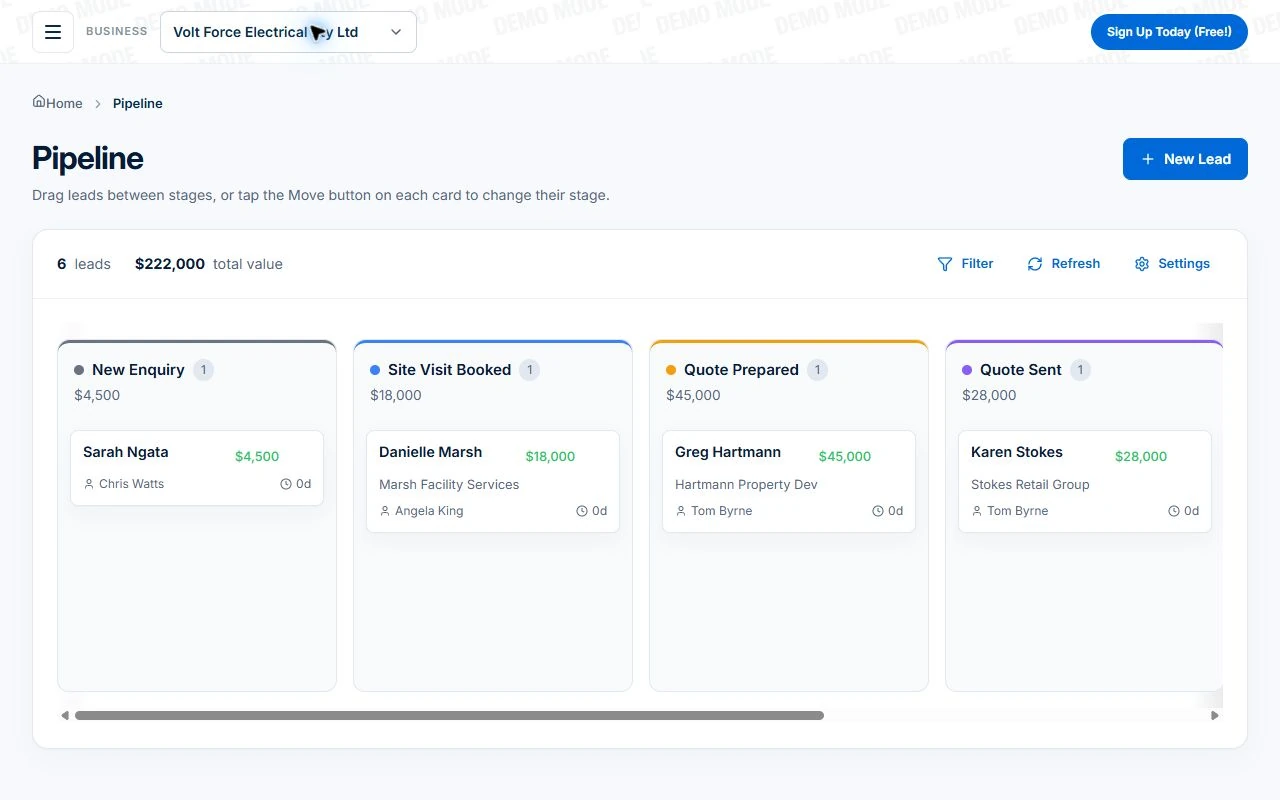
Clarify missing detail before quoting or allocating a crew. If the work needs an inspection first, record that as the next action. Keep the quote and the customer’s response connected to the enquiry.
Once the scope and appointment are agreed, create or convert the appropriate job record and check its site, contact and crew assignment. Send a confirmation that describes what was agreed. A form submission alone should not be treated as proof that the team is available.
On Professional, follow the walkthrough to create a pending job from an accepted quote. The workflow carries accepted work into a job record and alerts the owner; choosing a suitable crew and confirming the appointment remain separate steps.
Test the entire path from a phone
In Axiom Blue, lead capture forms can provide a hosted link or a website entry point for enquiries. Review the submission, follow the lead and use the quote and scheduling workflow for the confirmed work. These forms collect service requests; they do not by themselves promise instant self-service booking.
Submit sample enquiries with complete and missing details. Check the notification, assigned follow-up and customer-facing wording. This process helps organise work requests, but it should not be described as a general-purpose shared email inbox.
Put it to work
Your practical checklist
- Submit a test enquiry from a phone.
- Check where it appears and who owns the next action.
- Confirm that preferred dates are described as requests.
- Trace the enquiry into a quote and job.
- Inspect the appointment confirmation.
See the records in Axiom Blue
Try the workflow with a familiar job.
Features and usage limits vary by plan. Review the tools relevant to your process before choosing your setup.