
Most electrical businesses do not fail because the team cannot do the work. They get slowed down because enquiries, jobs, customer updates, invoices and follow-ups all live in different places.
This walkthrough shows how an electrician can use Axiom Blue to move from a new business workspace to a working operational system in about 10 minutes. The example is grounded in the portal experience using the electrical demo business, Volt Force Electrical Pty Ltd.
What we will set up
- Create or select the electrical business workspace
- Confirm business details and branding
- Capture a new lead in the CRM
- Turn the enquiry into a job
- Create and track an invoice
- Switch on practical workflow automations
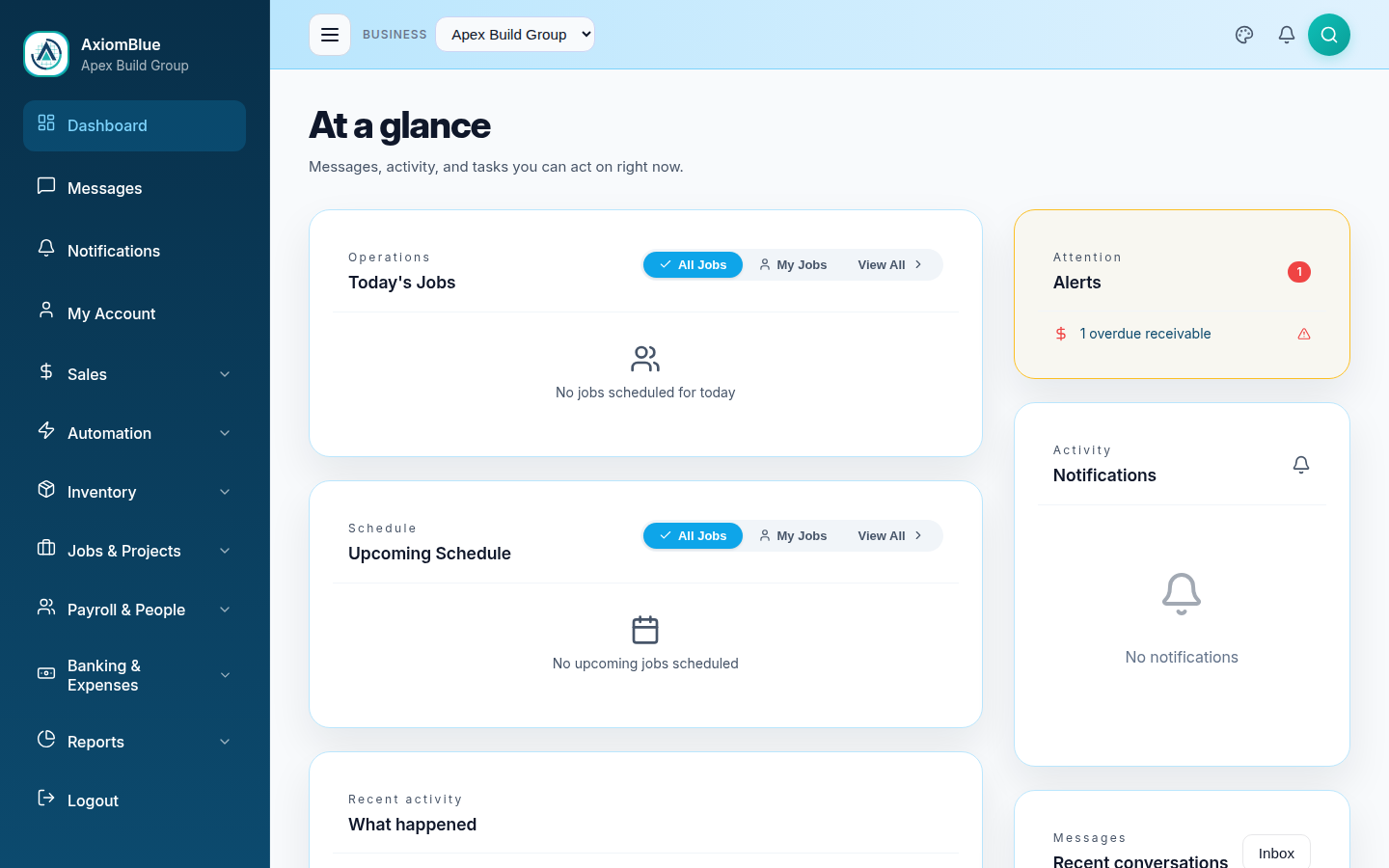
Dashboard and business selector
Start with the business workspace
Open the portal and select the electrical business from the business switcher. In the demo workflow this is Volt Force Electrical Pty Ltd.
From here, the dashboard gives a fast view of operational activity: active work, job status, business tasks and the modules available from the sidebar.
Concept
A business workspace gives the electrician a single operating context for customers, jobs, invoices, documents and reporting.
Advantage
Instead of running the company from a mix of spreadsheets, whiteboards, inboxes and accounting tools, the office and field team work from one shared system.
Settings -> Business Info
Confirm business details and branding
Go to Settings and review the business information. This is where the company profile, business details and configuration live.
For an electrician, this setup becomes the foundation for professional quotes, invoices, job records and customer communications.
Concept
Business settings centralise the company profile, contact details, branding and operating information.
Advantage
Customer-facing documents and communications can carry the right company identity without manually editing PDFs or copying details between systems.

Finance -> PDF Templates
Set up branded customer documents
Open the PDF templates area and review the invoice or quote template options.
This matters because the document is often the customer experience. A clear, branded quote or invoice makes the electrical business look organised and professional.
Concept
PDF templates control how invoices, quotes and other customer-facing documents are presented.
Advantage
The business can send consistent branded documents from day one, instead of creating one-off Word documents or manually editing PDF files.

CRM -> Leads
Capture the first electrical enquiry
Go to CRM -> Leads and add a new enquiry. For an electrical business, this might be a switchboard upgrade, EV charger installation, emergency callout, LED retrofit or commercial maintenance request.
Record the contact details, source, estimated value and notes so the next follow-up is clear.
Concept
The CRM lead record captures the customer, source, status, value and notes for a new opportunity.
Advantage
Phone calls, referrals, website enquiries and social media leads stop disappearing into notebooks or inboxes.

Jobs & Projects -> Active Jobs
Turn the enquiry into a scheduled job
Open Jobs & Projects and create a new job from the accepted work.
Add the customer, job title, priority, schedule and site address. This is the handover point where a lead becomes field work.
Concept
A job record turns sales activity into operational work with a customer, scope, priority, schedule and site context.
Advantage
The office knows what has been booked, the field team knows where to go, and the business keeps a full history of the work.

Accounts Receivable and Invoice Editor
Invoice the work and track payment
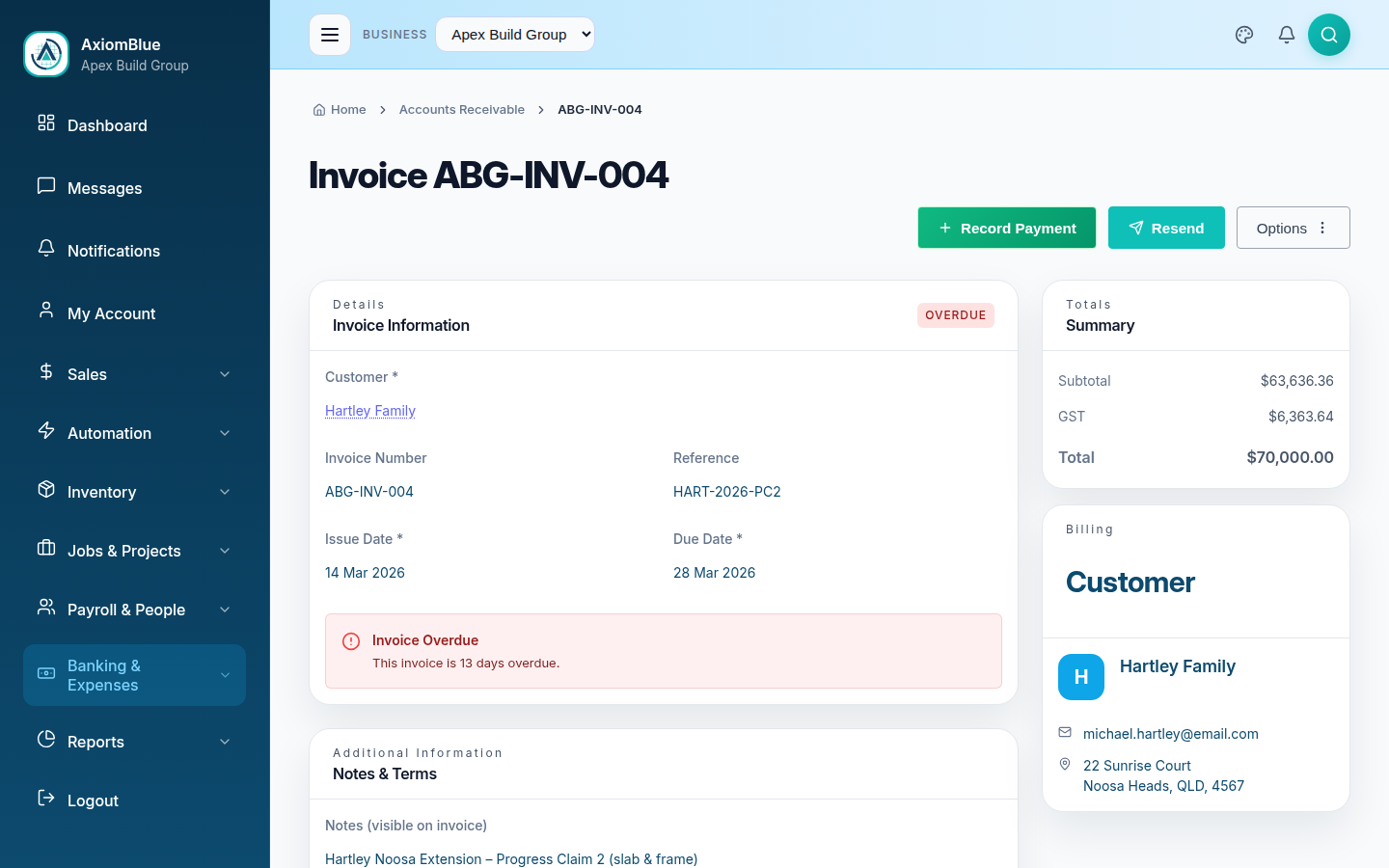
Open Accounts Receivable to see what is outstanding, overdue and collected.
Create a new invoice, add line items, set issue and due dates, then send it through the normal invoice workflow.
Concept
Invoices connect completed work to revenue, payment status and accounts receivable reporting.
Advantage
Invoices can be prepared quickly after work is complete, which helps cash flow and reduces admin lag.

Workflows -> Automations
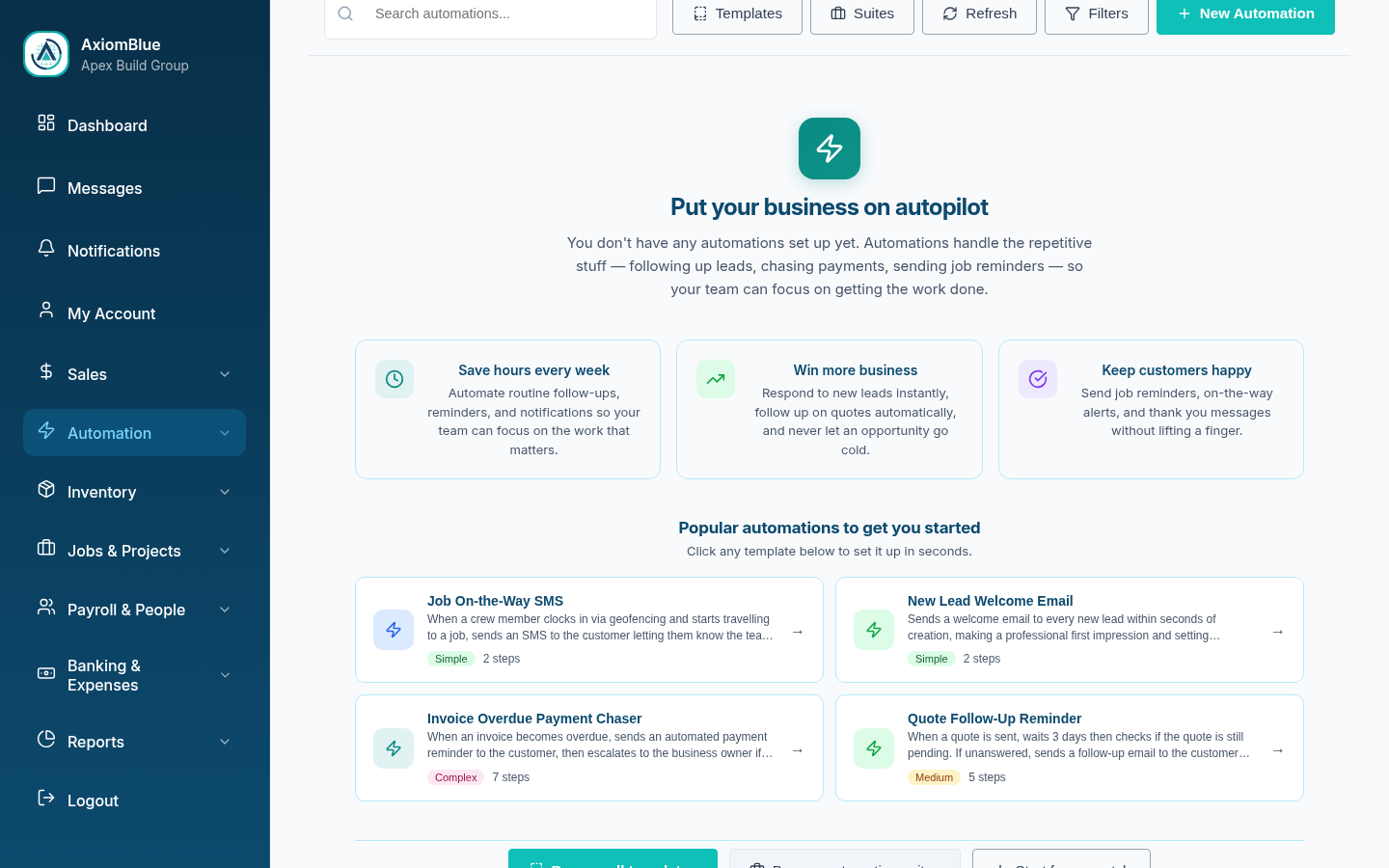
Put follow-up on autopilot
Open Workflows and browse automation templates such as New Lead Welcome Email, Quote Follow-Up Reminder, Job On-the-Way SMS, Job Completed Review Request and Invoice Overdue Payment Chaser.
These automations help keep customers informed, quotes moving and overdue invoices followed up without relying on memory.
Concept
Workflow automations handle repeatable follow-up tasks triggered by lead, quote, job or invoice events.
Advantage
The team spends less time remembering small admin tasks and more time doing paid work.
The important part is not just that each screen exists. It is that the workflow is connected.
A trade business should be able to move from new enquiry to scheduled job, branded invoice and automated follow-up without stitching together five separate tools.
Try it in Axiom Blue
Want to try the electrician workflow yourself?
Explore the live demo or start a free trial to see how Axiom Blue handles leads, jobs, invoicing, branding and workflow automation for Australian trade businesses.